Fireworks design software, compared honestly
There are good tools for designing fireworks shows. They are built for different jobs. Here is where each one fits, and where PyroViz is different.
What each tool is built for
Descriptions are based on each vendor's own published information as of November 2026. Check their sites for current features and prices.
| Tool | What it is | Built for | Notes |
|---|---|---|---|
| Finale 3D | Professional show design suite (desktop) | Display companies that design, cost and fire real shows: product catalogs, firing-system scripts, site layout and choreography in one tool. | The established standard for professional pyro design. Free trial; paid licences. |
| FWsim | 3D fireworks display simulator (Windows) | Enthusiasts and companies who want a dedicated 3D simulator with an effects editor and a 3D world editor. Around since 2010. | Hobby edition on Steam (about $30 at the time of writing) and a professional edition. |
| GLOW Show Builder | Web-based 3D show builder | Teams who want to build shows in a browser with a commercial subscription. | Subscription, published from $999 per year at the time of writing. |
| Retailer show builders | Product-catalog planners (web) | Planning a backyard or small show from one retailer's own consumer products and exporting a cue list. | Tied to the retailer's catalog. |
| Fireworks games | Sandbox and simulator games | Playing with fireworks for fun: setting off effects, physics toys, multiplayer. | Not built for designing a show to music or for realism of a professional display. |
| PyroViz | Browser show designer with a realistic WebGPU renderer, all in the browser | Showing a show before it exists: choreography to music, and a render that looks like filmed footage, with physical sound. | Designer free in the browser, no account. Realistic rendering in the browser with WebGPU. |
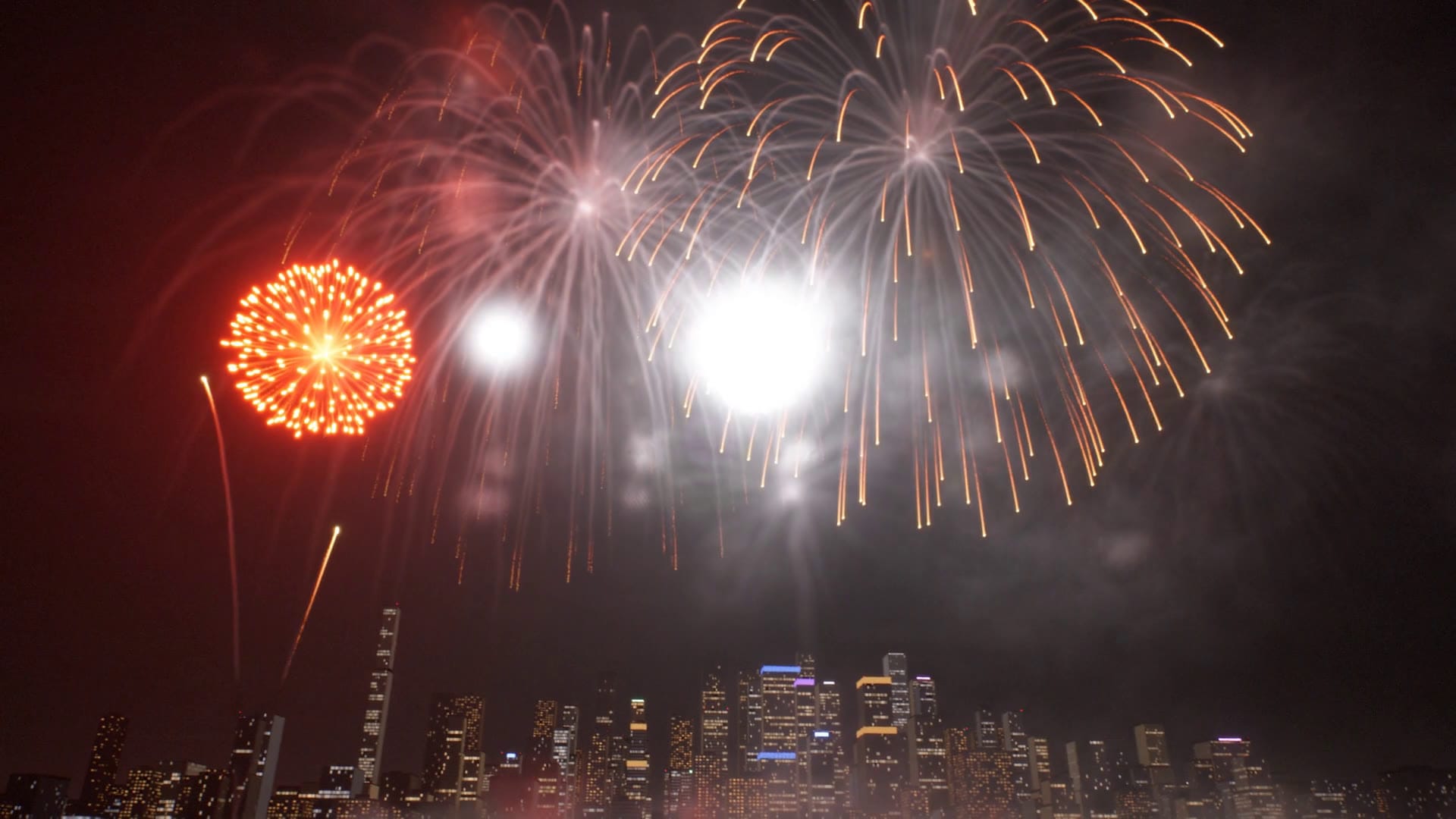
- Footage, not a visualization. The renderer targets 4K video of a real display: camera bloom, clipped highlights, lit smoke, reflections.
- Physical sound. Reports delayed by distance, filtered by the air and echoed by the city.
- Data-driven shells. 62 shells defined by physical parameters checked against published pyrotechnic data.
- Zero friction to start. Open a link, load a song, design. Shows and music stay in your browser.
- You need to fire the show. PyroViz does not export firing-system scripts. Professional suites such as Finale 3D do.
- You need a manufacturer's catalog. PyroViz shells are generic, physically modelled types, not specific products with SKUs and prices.
- You need costing and inventory. Use your pro design suite or ERP; use PyroViz to show the result.
- You want a game. Fireworks sandbox games are more fun to play with; PyroViz is a design tool.
Using PyroViz alongside a pro design suite
Many teams will keep their existing design and firing tool and add PyroViz for presentation: rebuild the key moments of a design to the client's music, render it from the audience's point of view and send a watch link. The show format is plain JSON, so conversions from other tools are possible; tell us which formats matter to you.
See the difference for yourself.
The designer runs in your browser with three demo shows and the full shell library. No account, no install: your shows and music stay on your computer.