Every break on the beat, without counting seconds
Load a track and PyroViz finds the tempo. Drop a shell on a beat and it breaks on that beat: the launch is moved earlier by exactly its lift time.
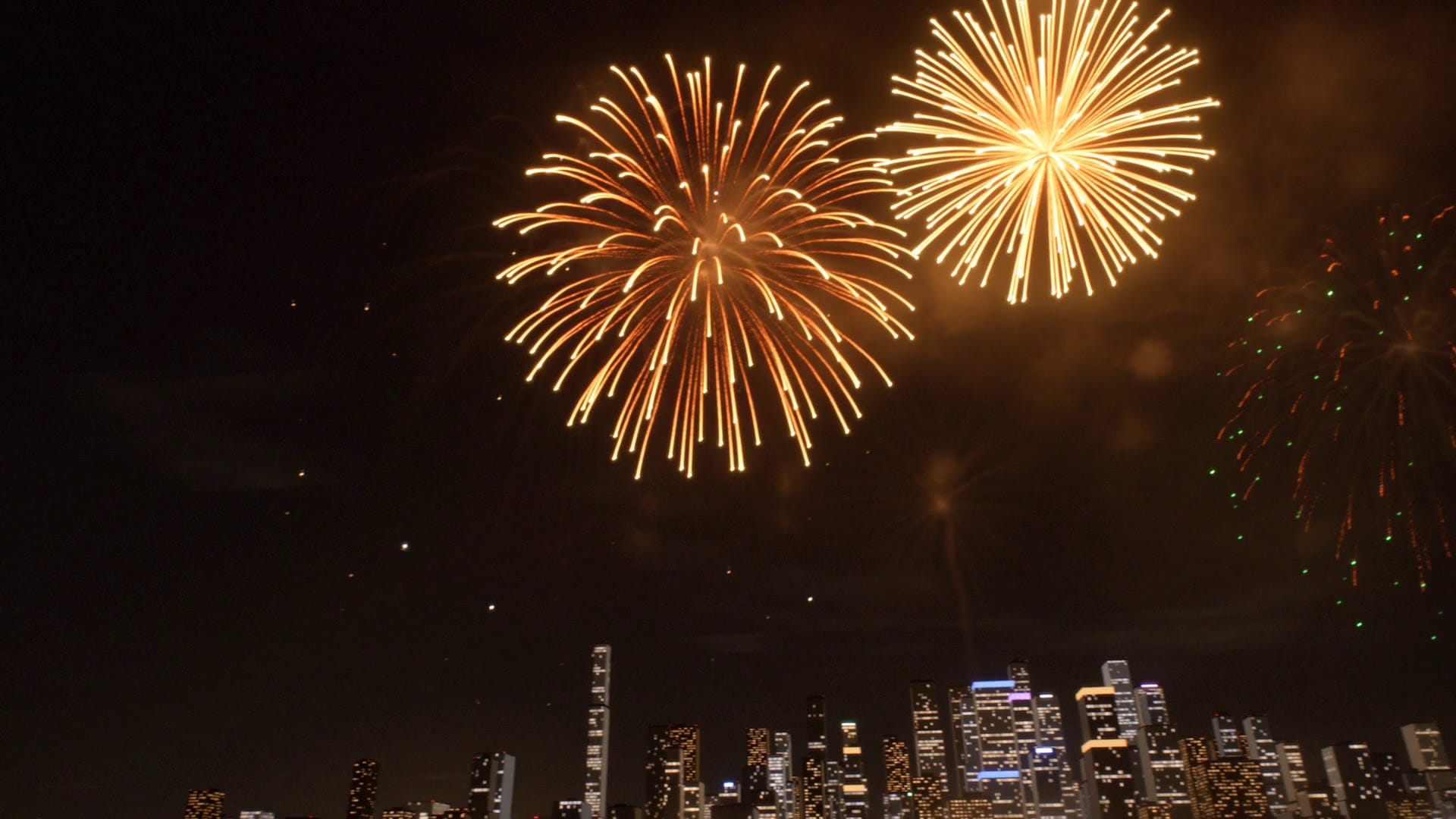
Find the grid, then design on it
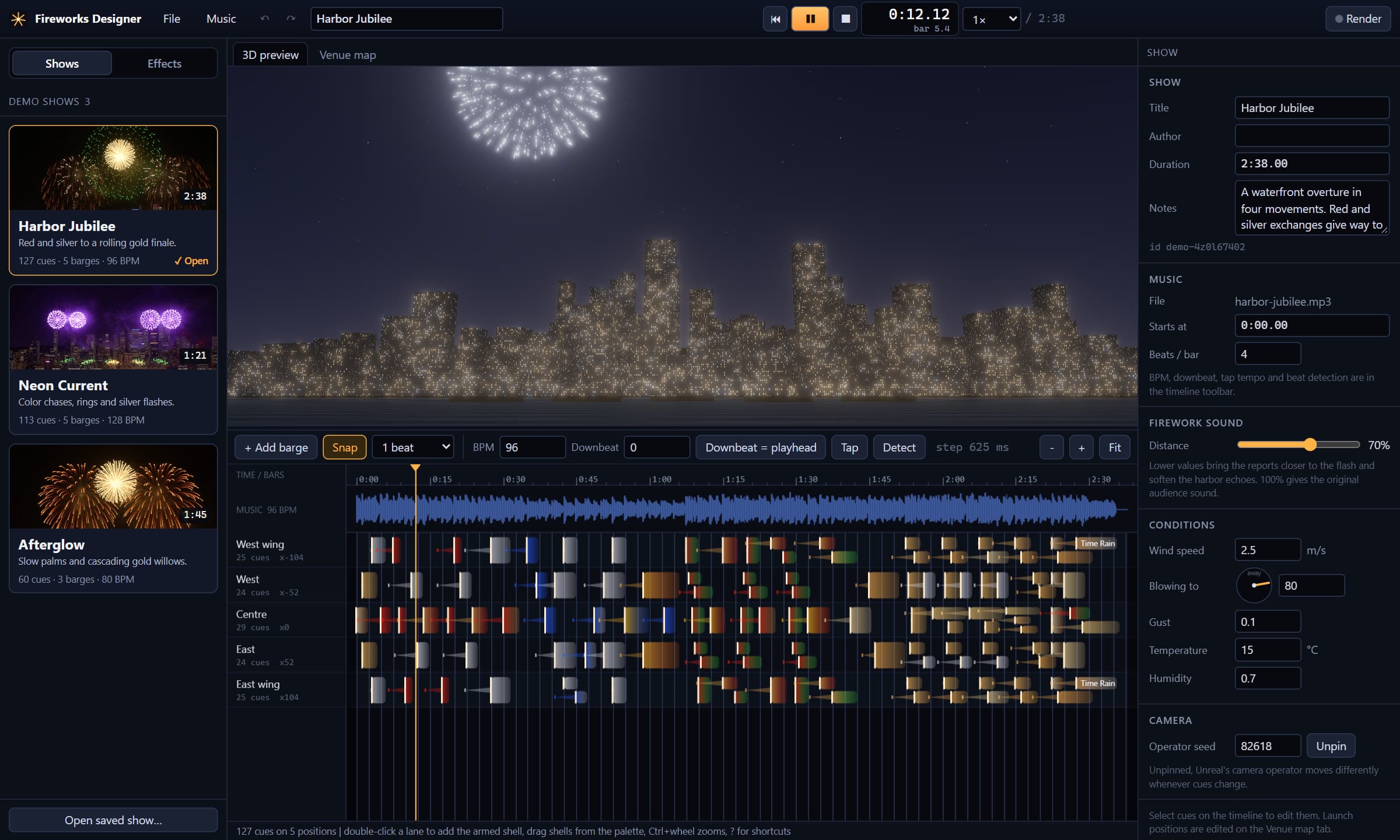
- Detect: onset autocorrelation finds the BPM of the loaded track.
- Tap: press T in time with the music.
- Downbeat = playhead: line the bars up with the first strong beat.
- Snap: a bar, a beat, or 1/2, 1/3 and 1/4 beats for fast chases; Alt bypasses it.
The waveform sits above the lanes, so drum hits and quiet passages are visible while you place cues.
Breaks, not launches
A 12-inch shell climbs for about six seconds before it breaks. PyroViz times the launch for you so the burst lands on the beat.
Visible duration
Each cue shows how long its effect hangs, so you can see whether a willow overlaps the next phrase.
Sound that comes later
Light arrives instantly, sound at 343 m/s. The render reproduces that gap for every seat and camera.
Music sync: common questions
Which audio formats can I load?
Anything your browser can decode, typically MP3, WAV, AAC/M4A, OGG and FLAC. The file is decoded locally and stored with the show in your browser.
What if the tempo detection is wrong?
Type the BPM, or tap it with the T key while the music plays. Set the downbeat to the playhead to fix the bar phase.
Does the sound delay affect the sync?
Breaks are timed to the light. In the render, each report reaches the camera after the flash, delayed by its distance, just as it would for a real audience.
Design your first show tonight.
The designer runs in your browser with three demo shows and the full shell library. No account, no install: your shows and music stay on your computer.